
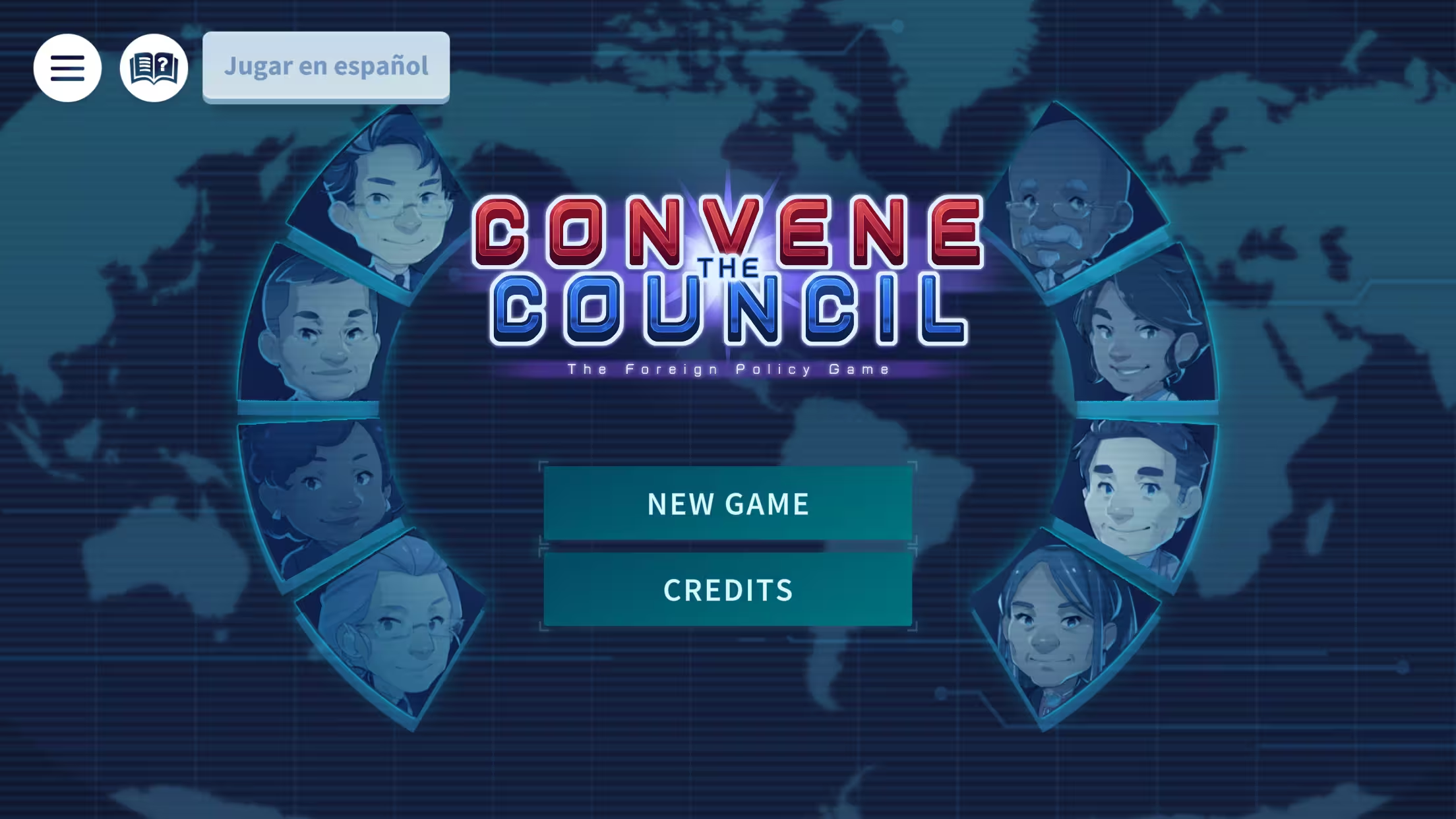
Convene the Council is a civics learning game developed with iCivics in partnership with the Council on Foreign Relations that focuses on U.S. foreign policy decision-making. Players respond to international crises by consulting members of the National Security Council and weighing the pros and cons of strategic actions.
Explore →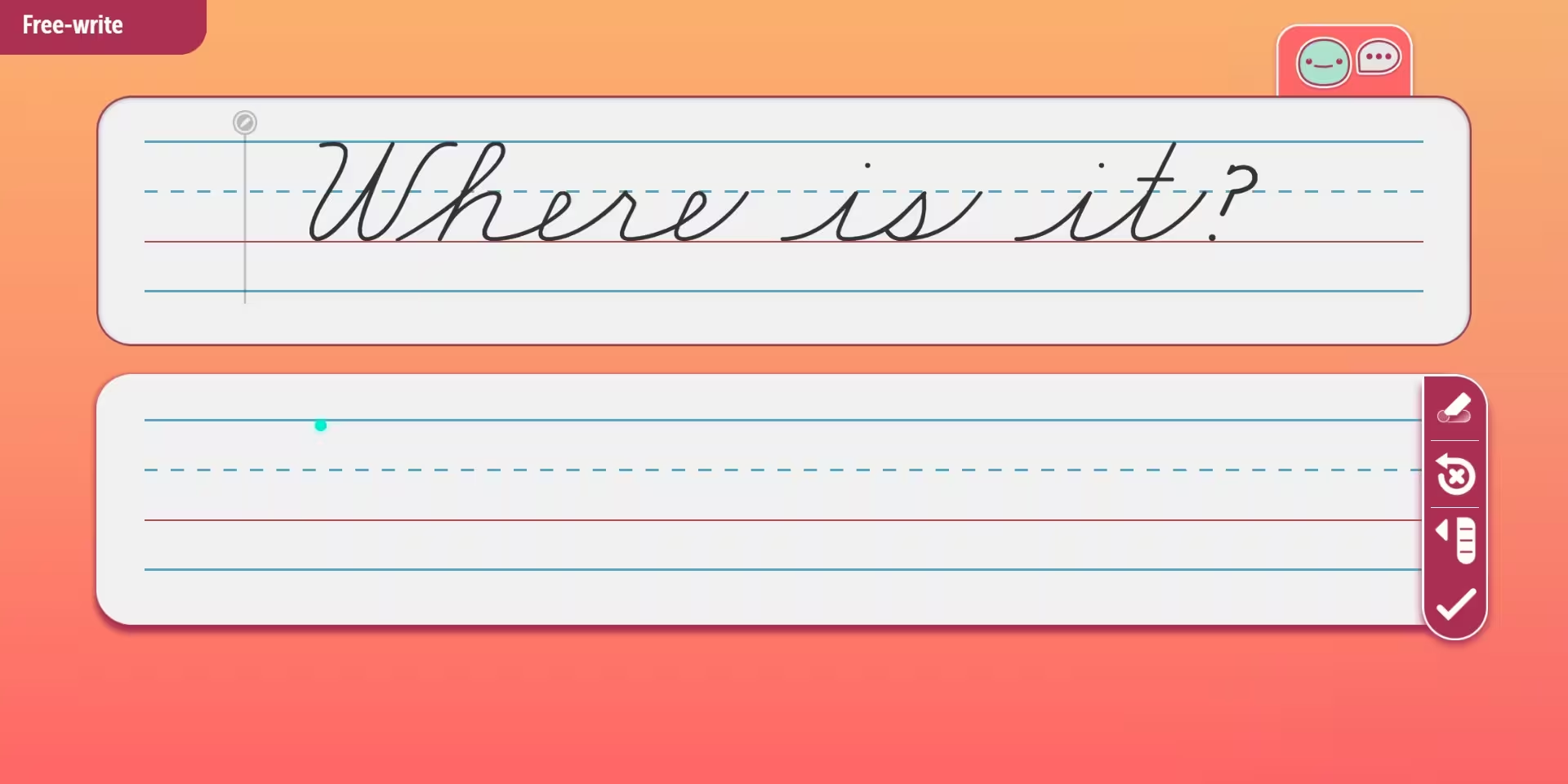
Digital Handwriting is a WCAG-compliant literacy learning game developed with Zaner-Bloser that focuses on handwriting skills through touchscreen interaction. Players practice forming letters and words using guided stroke sequences while progressing through both manuscript and cursive writing styles.
Explore →An educational game can pass an automated accessibility scan and still leave a student who uses a screen reader unable to play it. The scanner sees clean markup and valid contrast and reports success, but what it misses is the timer the student can't beat, the answer marked only by a color they can't distinguish, and the drag-and-drop puzzle with no viable method for keyboard input. Building a game every student can actually play takes design work that’s hard or impossible to automate, and it matters more now that WCAG compliance carries a federal deadline.
In April 2024, the Department of Justice issued a final rule under Title II of the Americans with Disabilities Act, setting WCAG 2.1 Level AA as the required standard for the websites and mobile apps of state and local governments. This spring the DOJ extended the compliance dates by a year, to April 26, 2027 for larger public entities and April 26, 2028 for smaller ones, while leaving the substance of the rule intact. Public schools and universities fall squarely inside Title II, and the rule reaches content a government provides through an outside vendor, which in turn makes educational publishers accountable to this deadline as well. If a district assigns your game, your game is part of what the district has to keep accessible, and Title II carries a private right of action, so the exposure extends past a federal audit to the courts.
Most learning games render on a canvas, which the browser treats as a single rectangle. Every button, menu, and interaction inside that rectangle is invisible to a screen reader, so the whole game reads as one black box. Off-the-shelf overlays and automated scanners have nothing to grab onto, because there is nothing in the markup for them to read. A scanner can confirm the page around the game is clean and still tell you nothing about whether the game itself can be played by keyboard alone or by a student using a screen reader. Games hide other barriers a scanner won't flag, like a key instruction delivered as audio alone or a burst of motion that leaves a player disoriented. Conformance that holds up has to reach inside the game itself, down to the individual controls.
That is the problem FUAT was built to solve. FUAT is our own technology for making Unity and canvas-based games conformant, and it works by giving a screen reader real, structured content to read where the canvas gave it none. Because the accessibility layer sits on top of the game's controls and interface, the mechanics, the art, and the way students play all stay exactly as designed. FUAT already covers roughly 40 percent of the WCAG 2.1 AA criteria out of the box, so remediation starts on proven ground, and it has been through real publisher audits across six mass-scale products shipped in conformance. You can see the approach in Digital Handwriting and Superkids World, two WCAG-compliant literacy titles we built with Zaner-Bloser for young learners, where letter formation and early reading stay fully playable for students using assistive technology. We also work alongside your independent auditor from the design phase, identifying failure criteria early, when they are cheapest to fix, rather than surfacing them in a summative audit at the end.
~
We've spent twenty years making learning games that hold up in real classroom environments, and accessibility is part of that same standard. The 2027 and 2028 deadlines are closer than they look, and the products that clear them with their design intact are the ones that had accessibility engineered in from the start. If you have an interactive learning product facing these dates, we'll review where it stands, map out what conformance takes, and give you an estimate at no cost. Book a free WCAG consult with our Chief Partnership Officer - the sooner we talk, the more runway you have!
Best practices for preventing motion sickness while maximizing learning outcomes.
Best practices for preventing motion sickness while maximizing learning outcomes.
Get the latest Game-Based Learning Review content delivered to your inbox, including new articles, videos, and industry insights.